


Why a dedicated error.zakk.au?#
Cloudflare's stock error pages feel detached from the rest of the site. I wanted a lightweight replacement that:
- Auto-detects light/dark preference and lets visitors switch manually
- Detects locale automatically (English, Traditional Chinese, Simplified Chinese)
- Surfaces the Ray ID and a pre-filled support email link
- Lives on Cloudflare Pages so updates ship with a single
git push
The result is Zakkaus/cf-pages, deployed at error.zakk.au.
Screens#
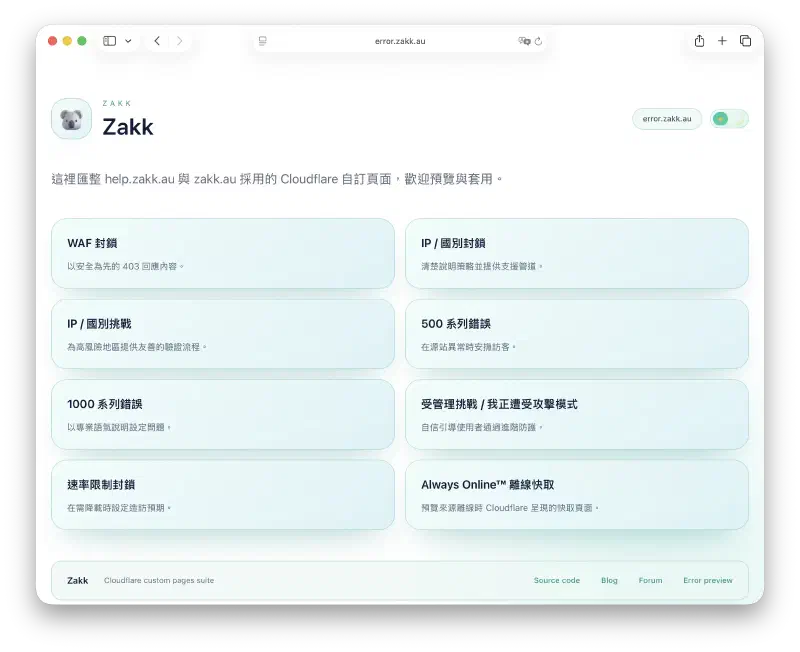 | 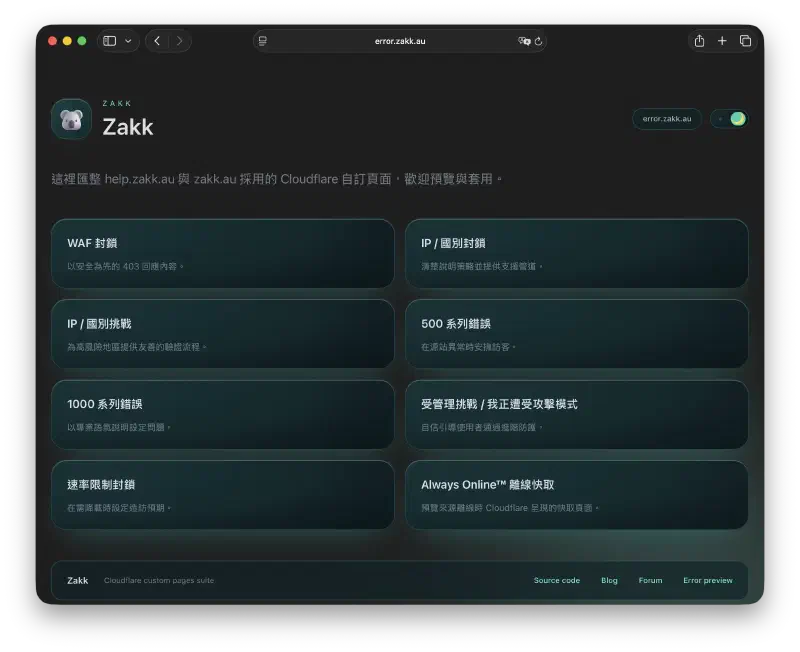 |
|---|---|
| Light mode: language and theme switches sit side by side, Ray ID front and centre. | Dark mode keeps the same hierarchy with brand-blue accents and AA contrast. |
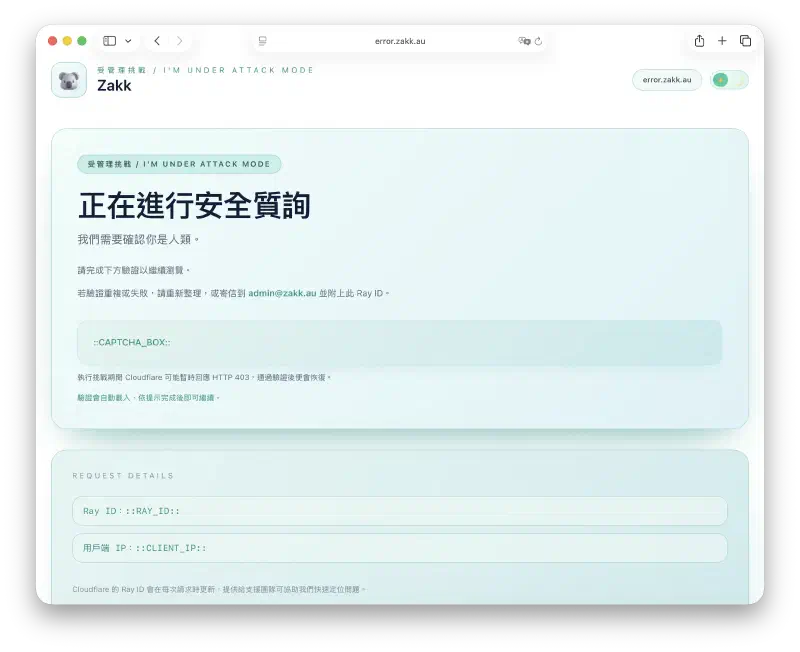 | 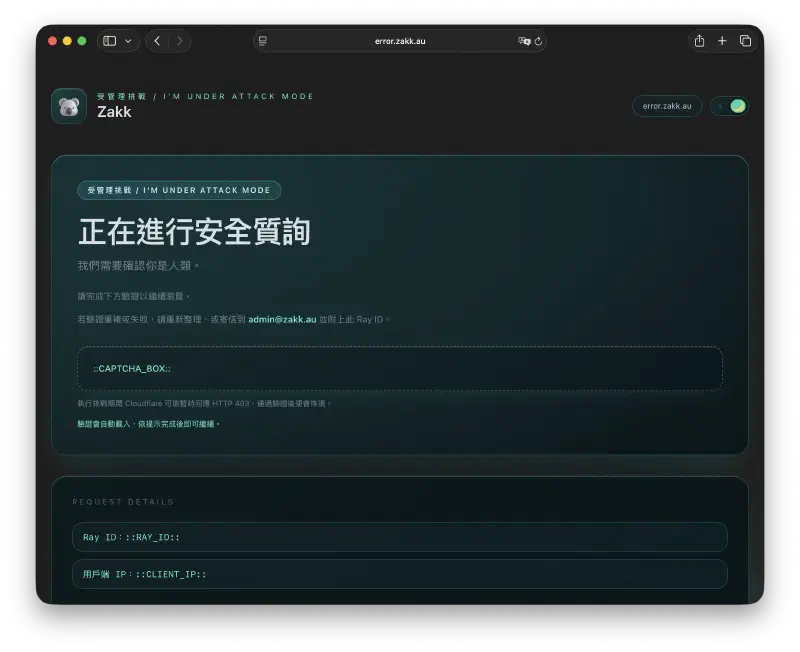 |
|---|---|
| The challenge template walks visitors through verification with contextual help. | Dark counterpart keeps CTAs and guidance visible at night. |
What ships in the repo#
The repo bundles a template for each common Cloudflare scenario, rewritten with a clean card layout and Tailwind CSS:
| Template | Scenario |
|---|---|
cf-1000.html | Configuration errors across Cloudflare edge services |
cf-500.html | Generic 5xx origin failures |
cf-waf-block.html | Web Application Firewall blocks |
cf-ip-block.html | IP or country blocks |
cf-ip-challenge.html & cf-attack.html | Managed challenge / "I'm Under Attack" flows |
cf-rate-limit.html | 429 rate limiting |
offline.html | Always Online fallback |
Each page injects brand visuals (logo, koala hero), the current Ray ID, and a single CTA to self-serve troubleshooting. The card layout keeps the key guidance above the fold on any viewport.
Locale detection#
All strings live in lang.js. The helper:
- Reads
navigator.language - Matches it against
en,zh-Hant, orzh-Hans - Falls back to English when no match exists
Visitors can override the choice manually; the preference is persisted in localStorage.
Styling#
- Tailwind CSS: classes are authored in
input.css, thennpm run build(orpnpm run build) outputs a minifiedoutput.csswith PurgeCSS removing unused utilities. - Light/dark parity: screenshots in
assets/screenshots/*.webpcover both variants so contrast can be verified against WCAG. - Shared components: buttons, alerts, and layout primitives match the Blowfish theme I use on the blog so the visual language stays consistent.
Deploy on Cloudflare Pages#
- Connect the repo to Pages with build command
npm run build. - Use the
Noneframework preset; Pages will compile Tailwind before publishing. - Serve the repo root — each HTML template sits at the project root for direct mapping in the Cloudflare dashboard.
- Point Custom Error Pages → error.zakk.au at the Pages project. The same set can be reused for help portals.
Pages caches one build per commit, so previews can be verified before flipping the dashboard toggle.
Ray ID handoff#
Every template ends with a "Need help?" block that:
- Shows the Ray ID that triggered the error
- Links to a pre-filled email to
support@zakk.aucarrying the Ray ID, timestamp, and visitor IP (once Cloudflare injects it) - Links to a status page when the issue is clearly on my side
The first support message arrives with enough context to skip the usual round-trip.
Try it#
- Source and screenshots:
Zakkaus/cf-pageson GitHub - A sample page (offline notice): error.zakk.au/offline.html
- To rebrand: swap the assets, edit
lang.js, redeploy to your own Pages project.